01
Marketing Visuals
Generate campaign concepts, landing-page imagery, social graphics, and ad-ready visual directions with a free text to image AI — useful for fast art direction before a real shoot.
TEXT → IMAGE AI
Describe what you want and the free text to image AI renders it instantly — sign up free and get 60 credits, no watermark.
No tasks yet
Your generations will appear here.
TEXT TO IMAGE AI · FREE ONLINE
VidPic's text to image AI is free to start in any browser. Write a description, choose an aspect ratio, and the free text to image AI renders a still image directly from your words — marketing visuals, product concepts, creative art, and content assets, all from a single prompt. No editing software, no rendering pipeline, no watermark.
01
Generate campaign concepts, landing-page imagery, social graphics, and ad-ready visual directions with a free text to image AI — useful for fast art direction before a real shoot.
02
Create product shots, packaging ideas, styled scenes, and ecommerce-ready references. The free text to image AI saves hours when a launch needs visual options before it has a studio.
03
Explore fantasy scenes, characters, posters, editorial imagery, and moodboard directions. Free AI text to image generation is the fastest way to test a creative idea before committing time.
04
Produce thumbnails, blog visuals, banners, cover images, and quick concept drafts. A free text to image AI replaces stock libraries when the asset needs to feel custom and on-brand.
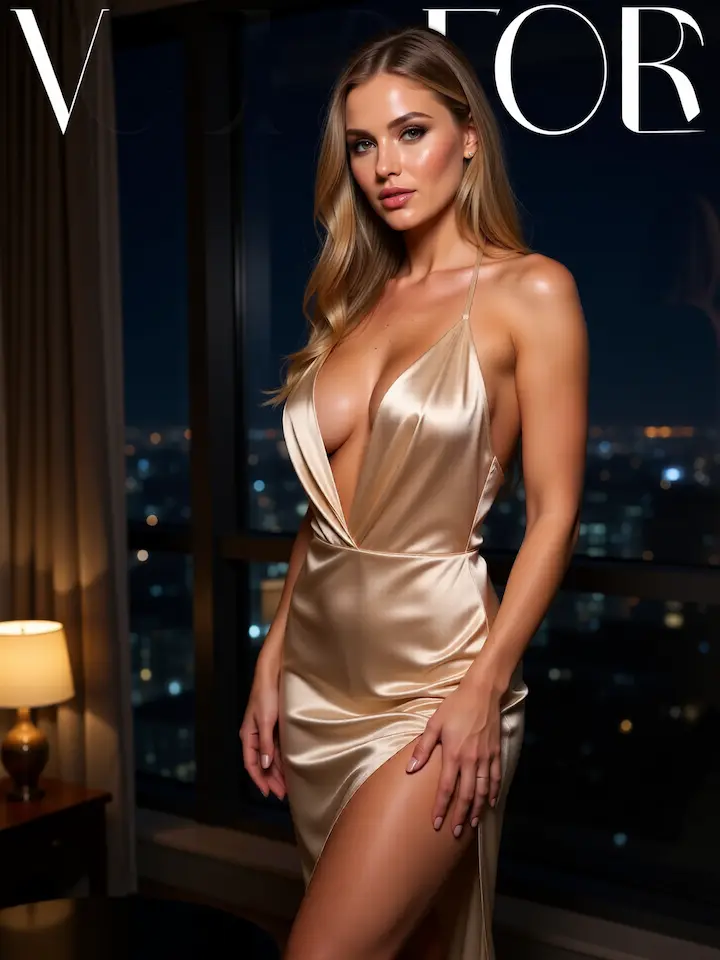
IMAGE STYLES THAT WORK
01Realistic photography — controlled lighting, clear subject detail, clean composition. The most reliable free text to image AI pattern for product, lifestyle, and editorial visuals.
02Editorial poster style — strong color blocking, dramatic layout, premium art direction. A creative direction that pairs well with a free AI text to image prompt focused on one hero subject.
03Product photography — studio light, simple background, commercial-grade clarity. Free text to image AI handles ecommerce-style references when the prompt names the surface and lighting.
04Fantasy or cinematic concept art — atmosphere, depth, and a strong visual focal point. The kind of free text to image AI output that fits posters, key art, and pitch decks.
PROMPT WALL
A premium skincare product on wet stone, soft studio lighting, minimal luxury aesthetic, ultra detailed.
A cinematic mountain landscape at sunrise, misty valley, dramatic depth, golden-hour light, ultra detailed.
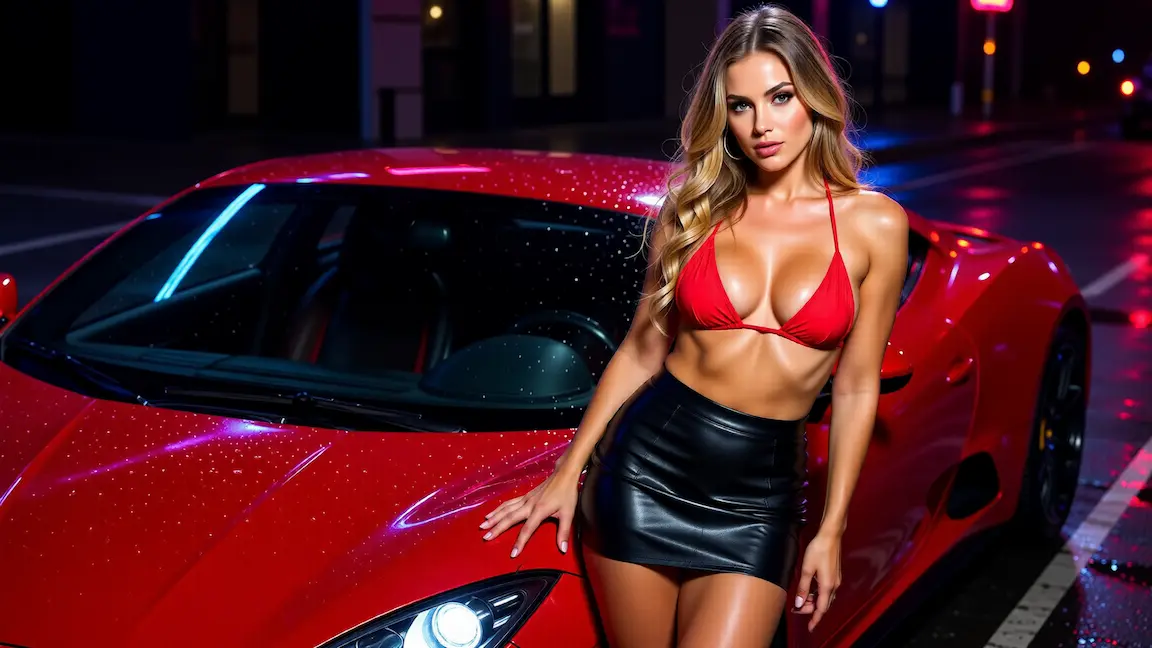
A futuristic city street at night, neon reflections, light rain, cinematic cyberpunk mood, wide composition.
A cozy coffee shop interior, warm natural light, lifestyle photography, shallow depth of field, lived-in detail.
CREATION WORKFLOW
Free text to image AI works best when the prompt describes a clear subject, a visual purpose, and the kind of output you want to use next. The four workflows below cover the most common reasons people open a free text to image AI in the first place.
01
A free text to image AI can turn a rough campaign idea into a visual direction before design work begins. Describe the subject, brand mood, lighting, and composition so the image fits a landing page, ad concept, social post, or promotional graphic instead of feeling like a random illustration.
02
For product visuals, start with the object and setting. Add material, surface, background, camera angle, and lighting details. A focused free text to image AI prompt can create useful references for packaging, ecommerce scenes, launch visuals, or styled still-life directions.
03
Artists and creators use a free text to image AI to explore worlds, characters, posters, and editorial moods quickly. The strongest prompts define a visual style and emotional tone while keeping one strong focal point, so the image feels designed rather than overloaded.
04
A free text to image AI render can become the first frame for image to video. If animation is the next step, write prompts with clear subjects, readable silhouettes, and enough background space for camera movement, parallax, or atmospheric effects.
Lead with the subject. The first words of a free text to image AI prompt should make the main image idea obvious.
Add style after the subject. Lighting, camera, palette, and mood should support the image instead of competing with it.
Choose an aspect ratio based on the final use. A thumbnail, portrait, banner, and hero image each need different framing.
If a result feels messy, remove ideas before adding new ones. Focus usually improves free AI text to image quality faster than longer prompts.
How it works
01
Lead with the subject, then add style, lighting, environment, and composition so the free text to image AI has a clear art direction brief.
02
Choose the aspect ratio that matches the final use case — social, square, banner, portrait, or wide editorial.
03
Click generate. The free text to image AI renders a still image directly from the prompt in seconds.
04
Download the watermark-free image, animate it with image to video, or refine it in image edit with another prompt.
FAQ
You can start for free. Generating requires a free account, and every new account gets 60 free credits on signup — enough for 2 videos at 720p or 6 images. When those run out, you can top up on the Pricing page; credits never expire. Each image costs 10 credits.
No. Generated images do not carry a watermark. Free text to image AI output is clean and ready to drop into landing pages, ads, social posts, blog visuals, or client decks without post-processing.
Marketing visuals, product concepts, creative art, posters, thumbnails, banners, lifestyle shots, fantasy scenes, editorial portraits, and content assets. A free text to image AI is most useful when the brief is specific — one subject, one style direction, one purpose.
No. The entire free text to image AI runs in the browser. Write a prompt, choose aspect ratio, and the image is rendered and previewed on the same page — no plugins, no desktop app, no rendering pipeline.
Generated images are yours to use, including in marketing, advertising, social, and client work. Many teams use a free text to image AI specifically because it lets them create custom visuals without licensing stock photography.
Pick the aspect ratio before writing the prompt so the framing matches the final use case — vertical for social, square for thumbnails, landscape for banners, and portrait or wide for editorial. The free text to image AI renders cleanly in each ratio when the prompt is composed for it.
Free text to image AI renders a still image from a prompt. Text to video renders a short cinematic clip from a prompt. Use the free text to image AI when you need a single visual; switch to text to video when motion is part of the brief.
Name the subject first, then add style, environment, lighting, camera or composition details, and important visual constraints. A strong free text to image AI prompt reads like a concise art direction note, not a list of unrelated keywords.
Yes. After the free text to image AI returns a result, the Image Edit tool can restyle, recompose, or polish the image with another prompt — useful when one element of the generation needs adjustment instead of a full re-roll.
RELATED AI TOOLS
Refine or restyle a free text to image AI render with prompt-based editing — keeps the prompt-driven workflow consistent.
→02Animate a generated still image into a short AI video clip — pair the free text to image AI with motion in one workflow.
→03Generate a video clip from a written scene if motion is the goal instead of a still image.
→START FREE
Write a prompt, pick an aspect ratio, and the free text to image AI returns a still image in seconds — 60 free credits on signup, no watermark, no install.